Setting up my Tron wallet means choosing a secure app that stores your private key and supports TRX, TRC10, and TRC20 tokens. In 2026, the most trusted picks are TronLink, Trust Wallet, and Ledger Nano X, paired with energy management to keep transfer fees low.
Key Takeaways
- A Tron wallet holds your private key and lets you send, receive, swap, and stake TRX and TRC20 tokens such as USDT.
- TronLink, Trust Wallet, and Ledger Nano X are strong, widely used options for security and ease of use.
- TRC20 transfer fees come from energy; you can lower them by staking TRX yourself or renting energy from platforms like TronSave and JustLend energy markets.
- Always download wallets from official sources and store your seed phrase offline to avoid scams.
What Is a Tron Wallet and How Does It Work?
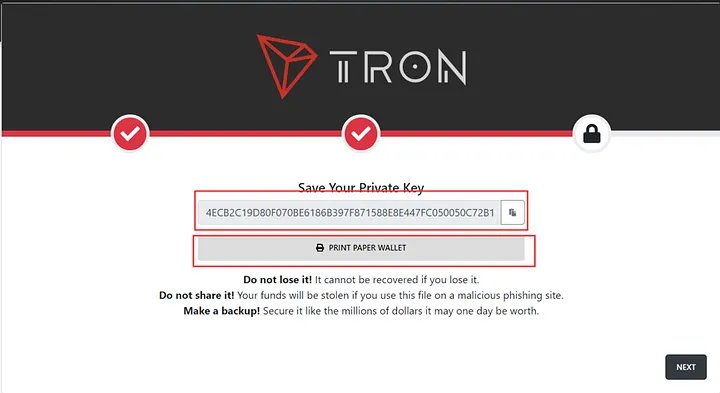
Think of my Tron wallet as a digital safe for TRX, TRC10, and TRC20 tokens (including USDT). It stores your private key and lets you send, receive, or swap crypto on the TRON network.
TRON uses two resources to process transactions: bandwidth (roughly 600 free points daily, enough for a couple of simple TRX transfers) and energy (around 65,000 units for a typical USDT transfer). Without enough energy, a USDT transfer burns roughly 14 TRX. The exact TRX cost in USD changes with the market, so treat any dollar figure as approximate and verify the live TRX price on CoinMarketCap.
Wallets come in several forms, each suited to different needs:
- Hardware: Offline, highest security (e.g., Ledger Nano X) — best for long-term holding.
- Mobile: Convenient for daily trades (e.g., TronLink, Trust Wallet).
- Desktop: Balanced access (e.g., Atomic Wallet).
- Browser extension: dApp-friendly but higher exposure (e.g., TronLink for Chrome).
Table: Tron wallet types compared
| Type | Security | Convenience | Best for | Typical cost |
| Hardware | High | Low | Long-term holding | ~$50–$150 |
| Mobile | Medium | High | Daily trades | Free |
| Desktop | Medium | Medium | All-purpose | Free |
| Extension | Medium | High | dApps | Free |
Which Are the Best Tron Wallets to Download in 2026?
If low USDT (TRC-20) fees are your priority, our top pick is the best TRON wallet for everyday USDT transfers, which optimizes energy on every send.
The right choice depends on whether you prioritize security, dApp access, or simplicity. Below are five well-established Tron wallets and what each does best.
- TronLink: Mobile and browser extension. Supports Stake 2.0, a built-in dApp browser, and TRC10/TRC20 tokens. Widely used across the TRON ecosystem; verify current adoption figures via TRON DAO. App Store ratings vary over time.
- Trust Wallet: Mobile and desktop. Includes a security scanner and encrypted backup, with buy/sell/swap built in. Great for beginners, though dApp integration is lighter than TronLink.
- Ledger Nano X: Hardware wallet with offline private-key storage and a certified secure element. Pairs with TronLink for staking. Best for holders with larger balances; the device has a one-time cost.
- Atomic Wallet: Mobile and desktop, with in-app swaps and TRX staking. A versatile all-rounder, though updates can be slower than competitors.
- TotalSig: Desktop and extension with multi-signature support for teams and businesses, plus governance voting. Powerful but has a steeper learning curve.
How Do You Set Up My Tron Wallet Safely?
Using TronLink as an example, setting up my Tron wallet takes a few careful steps. The same principles apply to most wallets.
- Download from official sources: Get “TronLink” from Google Play, the App Store, or the Chrome Web Store. Cross-check the link at tron.network to avoid copycat apps.
- Create your wallet: Open the app, select “Create Wallet,” and set a strong, unique password of 12+ characters.
- Back up your seed phrase: Write the 12-word recovery phrase on paper and store it offline. If you lose it, your funds are unrecoverable.
- Secure the account: Enable 2FA where available and keep your private key off any cloud service or email.
- Test first: Try a small transfer or use the Nile testnet before moving large amounts.
How Can You Reduce TRC20 Fees?
TRC20 transfers (like sending USDT) consume energy. Without it, the network burns TRX to cover the cost. There are two main ways to keep fees down:
- Stake (freeze) TRX: Under TRON Stake 2.0, freezing TRX generates daily energy for your own transfers. Staking and voting for Super Representatives can also earn variable rewards — yield depends on network conditions and is not guaranteed. Energy generation and voting rewards are separate mechanisms. See our TRON energy and bandwidth guide for details.
- Rent energy: If you transfer occasionally, renting energy from a market such as TronSave or JustLend can be cheaper than staking a large balance. Rented energy covers a set number of transfers for a fraction of the burn cost. Compare current rates before committing, as prices fluctuate.
Renting suits light or infrequent users; self-staking suits high-volume users who want a standing energy supply. Both are legitimate approaches — pick the one that matches your transfer frequency.
How Do You Keep Your Tron Wallet Secure?
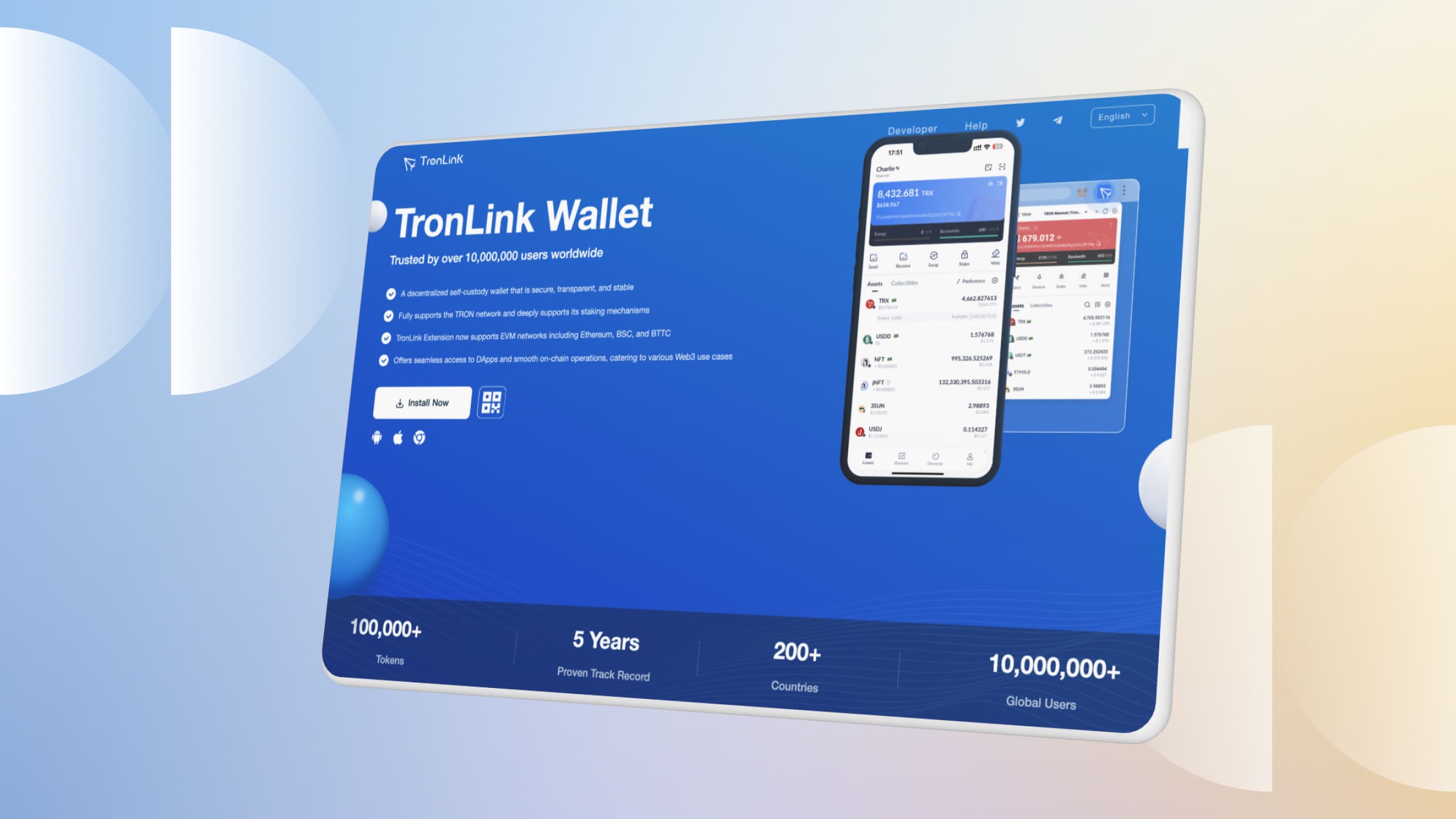
Wallet safety depends mostly on your own habits. Use these practices to protect your TRX and TRC20 tokens:
- Guard your seed phrase: Never type it into a website, email, or chat. No legitimate support team will ask for it.
- Verify every download: Stick to official app stores and confirm links via tron.network. Fake wallet apps appear regularly.
- Enable 2FA: Use an authenticator app for mobile and extension wallets.
- Beware phishing: Ignore direct messages requesting your private key or asking you to “verify” your wallet.
- Keep software updated: Patch your wallet app and device to close known vulnerabilities.
Table: Common wallet issues and fixes
| Issue | Likely cause | Solution |
| Can’t find address | App navigation | Tap “Receive” in your wallet |
| High TRC20 fees | No energy | Stake TRX or rent energy |
| Suspicious app | Fake source | Reinstall via tron.network |
Frequently Asked Questions
- How do I find my TRC20 address? In TronLink or Trust Wallet, tap “Receive,” select your TRX account, and copy the address — it is the same address used for TRC20 tokens. On Ledger Nano X, sync with TronLink and confirm on the device.
- What is the best wallet for staking TRX? TronLink supports Stake 2.0 directly, letting you freeze TRX for energy and vote for Super Representatives. Atomic Wallet also offers staking but with fewer governance features.
- How do I track my TRX balance? Paste your address into TronScan for real-time balances and transaction history. Multi-chain portfolio apps can also track TRX.
- Can I lower USDT transfer fees? Yes. Staking TRX for energy or renting energy from a market such as TronSave reduces or removes the TRX burn on TRC20 transfers. Compare live rates first.
- Is a hardware wallet worth it? For larger balances or long-term holding, a hardware wallet like Ledger Nano X adds strong offline protection. For small, frequent trades, a reputable mobile wallet is usually sufficient.
- Are these wallets free? TronLink, Trust Wallet, and Atomic Wallet are free to download. Hardware wallets require a one-time device purchase.
The Bottom Line
Choosing my Tron wallet comes down to your goals: TronLink for dApps and staking, Ledger Nano X for maximum security, or Trust Wallet for simplicity. Whichever you pick, secure your seed phrase, download only from official sources, and manage energy through staking or a rental market to keep TRC20 fees low.
⚠️ Not financial advice. This article is for educational and informational purposes only and reflects the author’s opinion at the time of writing. It is not investment, financial, legal, or tax advice. Cryptocurrency is highly volatile and you can lose your entire principal; prices, APYs, and on-chain fees change constantly and may be out of date. Always do your own research (DYOR) and consult a licensed financial advisor before buying, selling, staking, or lending any digital asset.
Disclosure: This is the official TronSave blog. TronSave sells TRON energy/resource (fee-reduction) services and has a commercial interest in the products and topics covered here.