
The TronLink wallet is a free, non-custodial crypto wallet for the TRON blockchain that lets you hold TRX, USDT (TRC-20), and other tokens while connecting to dApps and DeFi. You control your own keys, set it up in minutes, and use it on Chrome, Android, or iOS.
Key Takeaways
- The TronLink wallet is a non-custodial wallet for TRX, TRC-20, TRC-10, and TRC-721 tokens, built for TRON dApps and DeFi.
- Setup is quick: download only from official sources, back up your 12-word recovery phrase offline, and set a strong password.
- You can stake TRX for rewards that are historically variable (often cited around 4–6% annually as of 2026; not guaranteed — verify against a primary source).
- Security depends mostly on you: never share your recovery phrase, verify URLs, and consider a hardware wallet for larger balances.
- For TRON specifically, TronLink offers native support; MetaMask remains stronger for Ethereum-based networks.
What Is the TronLink Wallet?
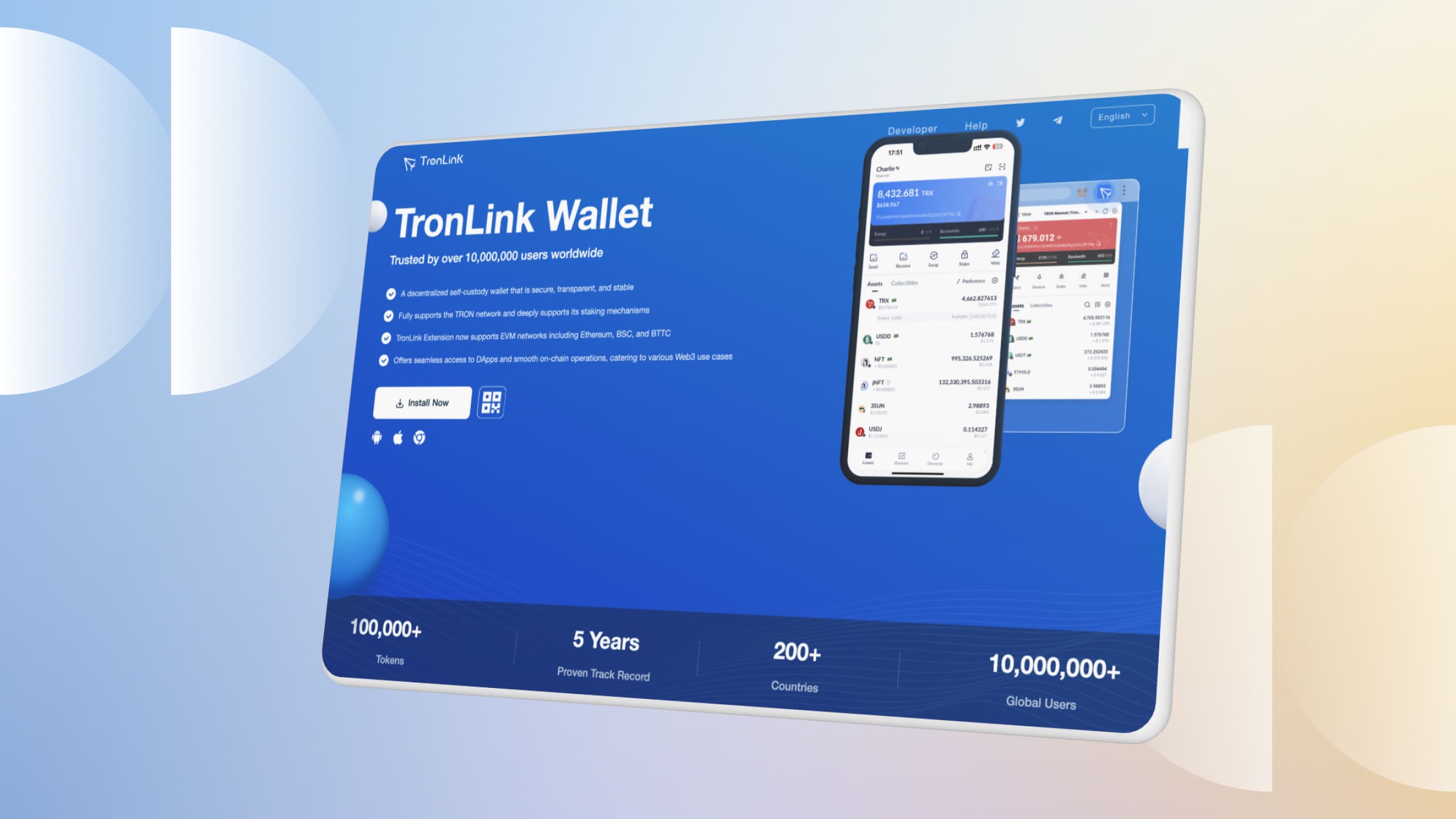
The TronLink wallet is the most widely used self-custody wallet on the TRON network. Because it is non-custodial, you hold the private keys — no company or exchange can move your funds or freeze your account. That control comes with responsibility: if you lose your recovery phrase, no one can restore access.
It is available as a Chrome/Brave browser extension, an Android app, and an iOS app. The wallet natively handles TRX (TRON’s native coin), TRC-10 and TRC-20 tokens such as USDT, and TRC-721 NFTs. It also supports EVM-compatible chains, so you can use it beyond TRON when needed.
TronLink acts as your gateway to TRON’s ecosystem of decentralized applications, from lending markets to token swaps. You can review TRON network activity and your own transactions independently on TronScan, the public block explorer.
Why Choose the TronLink Wallet? Key Features
People pick TronLink mainly for its native TRON support and beginner-friendly design. Here is what stands out:
- Native token support: Send, receive, and swap TRX and TRC-20 tokens like USDT without manual network configuration.
- Built-in dApp browser: Connect to DeFi and gaming dApps directly inside the wallet.
- Staking: Stake TRX to earn rewards and gain network resources (energy and bandwidth).
- Multi-platform: Use the same wallet on mobile and desktop browsers.
- Hardware wallet support: Pair with Ledger for cold-storage security.
TronLink is not the only option — alternatives include Trust Wallet and Ledger Live — but for users focused on TRON, its native integration reduces friction.
How Do You Set Up the TronLink Wallet?
Setting up the TronLink wallet is straightforward, but using an official source is critical because fake apps are a common scam. Follow these steps:
- Download: Get the app from the Apple App Store or Google Play for mobile, the Chrome Web Store for the extension, or tronlink.org for desktop. Verify the publisher before installing.
- Create wallet: Open TronLink, tap “Create Wallet,” and set a strong, unique password.
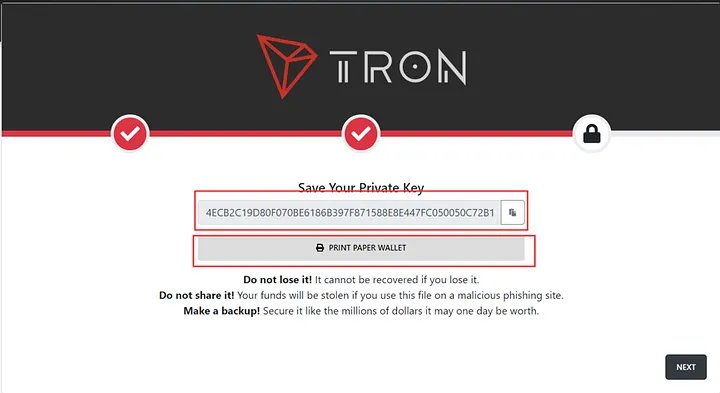
- Back up your phrase: Write down the 12-word recovery (mnemonic) phrase on paper and store it offline. Never screenshot it or store it in cloud notes.
- Confirm and log in: Re-enter the phrase to confirm the backup, then access your wallet with your password.
How Do You Send, Receive, and Swap Assets?
Once your wallet is ready, day-to-day use is simple:
- Sending TRX: Tap “Send,” paste the recipient’s address, double-check every character, enter the amount, and confirm. Fees are paid in TRX and are typically very low.
- Receiving: Tap “Receive” to display your address or QR code, then share it with the sender.
- Swapping: Use the built-in exchange feature or a connected dApp like SunSwap to trade TRX for TRC-20 tokens without leaving the wallet.
Always send a small test amount first when transacting with a new address. Blockchain transfers are irreversible, so a single wrong character means lost funds.
How Does Staking and Resource Management Work?
TRON uses two resources to power transactions: bandwidth for basic transfers and energy for smart-contract interactions. Each account receives a small amount of free bandwidth daily, but active dApp users usually need more.
You can obtain resources by staking TRX, which under TRON’s Stake 2.0 model also makes you eligible for rewards and voting. For details on how staking and resources work, see the official TRON developer documentation.
Staking rewards are historically variable — figures around 4–6% annually are commonly cited as of 2026, but they are not guaranteed and depend on network parameters (verify against a primary source). A complex DeFi transaction might require tens of thousands of energy units, which fluctuates with network settings.
To avoid locking up TRX or to cover one-off spikes in energy, some users rent energy instead. Platforms such as TronSave let you rent TRON energy short-term, which can reduce fees for heavy dApp activity; staking remains the alternative if you prefer to hold rather than rent.
Table: Popular TRON dApps you can access from TronLink (as of 2026)
| dApp | Type | Use case |
| JustLend | DeFi lending | Lend or borrow assets like USDT |
| SunSwap | DEX / swap | Trade TRC-20 tokens |
| WinkLink | Oracle / gaming | Data feeds and on-chain games |
Is the TronLink Wallet Safe?
TronLink itself is a self-custody tool with encryption, local key storage, optional 2FA on mobile, and hardware-wallet support. However, “safe” depends heavily on your own habits, because self-custody means there is no support desk to reverse mistakes.
Follow these best practices:
- Store your recovery phrase offline and never share it — no legitimate support agent will ever ask for it.
- Download only from tronlink.org, the App Store, or Google Play.
- Use a strong, unique password and enable 2FA where available.
- Keep the app and browser extension updated.
- Review what permissions a dApp requests before approving.
Understand the risks: non-custodial wallets carry real, user-borne risks. These include permanent loss if you misplace your private key or phrase, malicious or buggy smart contracts in DeFi dApps, fake “support” phishing, and the fact that energy, bandwidth, and staking yields all fluctuate. None of this is financial advice — do your own research before staking or lending.
TronLink Wallet vs. MetaMask: Which Is Better?
Both are reputable self-custody wallets, but they serve different ecosystems. For TRON, TronLink’s native support is the practical choice; for Ethereum and most EVM chains, MetaMask is more mature.
Table: TronLink wallet vs. MetaMask
| Feature | TronLink | MetaMask |
| TRON support | Native | Manual / limited |
| dApp focus | TRON ecosystem | Ethereum / EVM |
| Beginner ease (for TRON) | Simple | More setup |
| Hardware wallet | Yes (Ledger) | Yes (Ledger/Trezor) |
For a deeper look at fees and resources before you start staking, see our guides on TRON energy and bandwidth and on reducing TRON gas fees.
Frequently Asked Questions
- Is the TronLink wallet free to use? Yes. Downloading and using the wallet is free; you only pay standard TRON network fees, which are paid in TRX or covered by energy.
- What happens if I lose my recovery phrase? Because TronLink is non-custodial, there is no way to recover your wallet without the 12-word phrase. Back it up offline in more than one secure location.
- Can I store USDT in TronLink? Yes. TronLink natively supports USDT as a TRC-20 token, along with other TRC-10 and TRC-20 assets.
- Does staking TRX guarantee returns? No. Staking rewards are variable and depend on network parameters; any percentage figure is historical and not guaranteed.
- How is the TronLink wallet different from an exchange wallet? An exchange holds your keys (custodial); TronLink gives you full control of your own keys (non-custodial), which means more responsibility and more freedom.
- Can I verify my transactions independently? Yes. Every TRON transaction is public — paste your address or transaction hash into TronScan to confirm it on-chain.
Getting Started With the TronLink Wallet
The TronLink wallet gives TRON users a simple, non-custodial way to hold TRX and USDT, stake for rewards, and explore DeFi — all while keeping control of their own keys. Start by downloading from an official source, securing your recovery phrase, and trying a low-risk action like receiving a small amount of TRX. As your activity grows, learn how energy and bandwidth work so you can manage fees, whether by staking or renting energy. Above all, stay objective: research each dApp, keep your keys private, and never invest more than you can afford to lose.
⚠️ Not financial advice. This article is for educational and informational purposes only and reflects the author’s opinion at the time of writing. It is not investment, financial, legal, or tax advice. Cryptocurrency is highly volatile and you can lose your entire principal; prices, APYs, and on-chain fees change constantly and may be out of date. Always do your own research (DYOR) and consult a licensed financial advisor before buying, selling, staking, or lending any digital asset.
Disclosure: This is the official TronSave blog. TronSave sells TRON energy/resource (fee-reduction) services and has a commercial interest in the products and topics covered here.



