
This free USDT fee savings calculator shows exactly how much you overpay every time you send USDT (TRC-20) on the TRON network — and how much you could save by renting energy instead of burning TRX. Enter how many transfers you make and the tool returns your real cost per transfer, per month, and per year in seconds.
Key Takeaways
- Every TRON transaction consumes energy; a USDT (TRC-20) transfer needs roughly 65,000 energy to an active wallet and ~130,000 to a brand-new one.
- With no staked TRX, you burn TRX to pay for that energy — often a few dollars per transfer when the network is busy.
- Renting energy on a marketplace like TronSave typically costs a fraction of the burn price, which is the gap this tool measures.
- High-volume senders (traders, OTC desks, payment businesses) can save thousands of dollars a year — enter your numbers above to see your figure.
- All figures are illustrative; TRX price, the network energy unit price, and rental rates change constantly, so verify live values before relying on them.
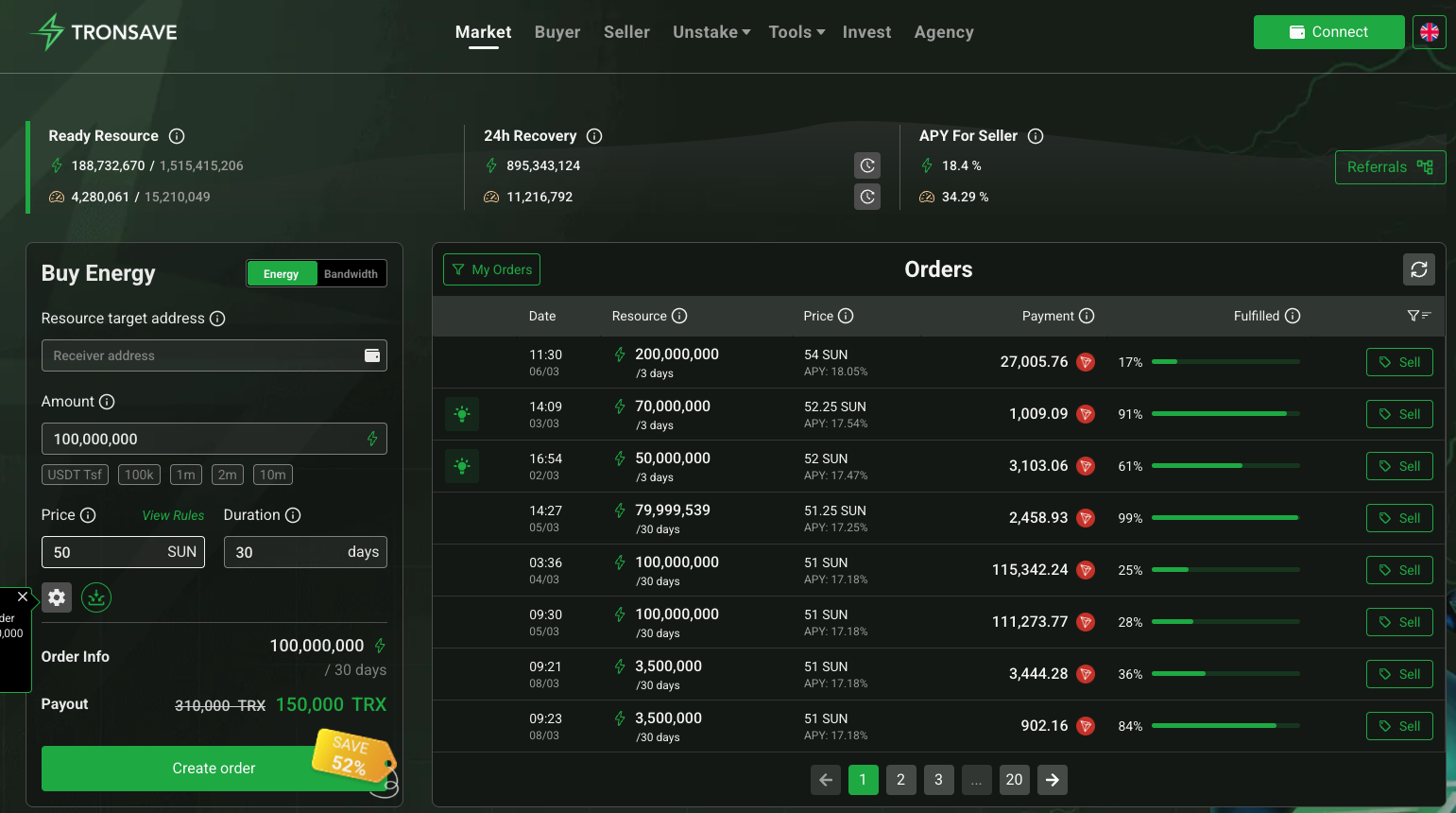
Are you overpaying to send USDT on TRON?
Every TRON transaction needs energy. With no staked TRX, you burn TRX to pay for it — often a few dollars per USDT transfer. Renting that energy on TronSave usually costs a fraction. See your number 👇
Adjust assumptions (verify live rates)
Methodology. Burn cost = energy needed × energy unit price (sun) × TRX price. A USDT (TRC-20) transfer needs roughly
65,000 energy to a wallet that already holds USDT, ~130,000 to a fresh wallet. Rent cost reflects TronSave’s market rate for
that energy. All figures are illustrative — TRX price, the network energy unit price, and rental rates change constantly.
Verify live values on TronScan,
CoinMarketCap, and
tronsave.io before relying on them.
This is general information, not financial advice.
How much does it really cost to send USDT on TRON?
TRON is famous for cheap stablecoin transfers, but “cheap” hides a wide range. The real cost of a single USDT (TRC-20) transfer depends entirely on how you pay for the energy it consumes. There are three common outcomes, and the calculator above models the two that matter most for everyday users.
| How you pay | Energy needed | Typical cost (illustrative) | Notes |
|---|---|---|---|
| Burn TRX — recipient already holds USDT | ~65,000 | ~$2–$8 | The “normal” case most people hit. |
| Burn TRX — brand-new / empty wallet | ~130,000 | ~$4–$15 | The hidden “first transfer” penalty. |
| Rent energy (TronSave) | ~65,000 | ~$0.40 | One transfer’s worth of rented energy. |
Those numbers move with the TRX price and TRON’s energy unit price, which is why a live tool beats a static guide: the gap between burning and renting is where your savings live.
Burn TRX vs. rent energy: the two ways to pay
When your wallet has no staked TRX and no rented energy, the network simply burns TRX from your balance to cover the transaction. That is the most expensive way to transact. Renting flips the equation:
- Burning TRX: automatic, but you pay the full energy cost in destroyed TRX at the current network rate — the price you see spike during congestion.
- Renting energy: you buy exactly the energy a transfer needs on an open market, usually for a small fraction of the burn cost, then send as normal.
- Staking TRX: freezing TRX generates energy for free at the margin, but it locks capital and historically carried an unstaking wait — worth it only at high volume.
Understanding TRON’s energy and fee model
To trust any estimate, it helps to know what you are actually paying for. TRON meters on-chain activity in two resources: bandwidth (for the size of a transaction) and energy (for smart-contract execution). USDT is a TRC-20 token, so every transfer runs contract code and consumes energy — a lot of it.
You obtain energy in one of two ways: freeze (stake) TRX to generate it, or let the network burn TRX from your balance to cover it on the spot. Burning is the default for anyone who has not staked, and it is priced at the network’s current energy rate, which is exactly why fees feel unpredictable.
An energy marketplace adds a third path — rent precisely what a transfer needs — and the price difference between burning and renting is usually large. That difference, multiplied by how often you transact, is the entire point of this tool. It is also why the cost can swing day to day: when the network is busy and the energy rate rises, the people who feel it are the ones still burning TRX, while renters pay a far steadier market price for the same transfer.
Who saves the most with the USDT fee savings calculator?
Everyone who sends USDT without staked TRX overpays to some degree, but the savings scale dramatically with volume. A casual user sending a couple of transfers a week saves modestly. An active trader moving funds between exchanges and wallets dozens of times a day saves meaningfully. And payment businesses, OTC desks, and remittance operators — who can push hundreds or thousands of transfers daily — turn the per-transfer gap into a five- or six-figure annual line item. Run your own volume through the USDT fee savings calculator above and compare the “Burn — per year” column with the “Rent — per year” column to see which bracket you fall into.
New to TRON resources? Our TRON energy and bandwidth calculator guide explains exactly how energy, bandwidth, and burn costs are calculated before you send.
How to use the USDT fee savings calculator
The calculator is built to give a useful answer in under ten seconds:
- Pick a preset (casual, active trader, payment business, OTC desk) or set your own number of USDT transfers per day.
- Choose whether your typical recipient already holds USDT or is a brand-new wallet — this sets the energy each transfer needs.
- Read your headline number: the estimated amount you would save per year by renting energy instead of burning TRX.
- Open “Adjust assumptions” to plug in the live TRX price, energy unit price, and rental rate for a precise, current estimate.
How to actually pay less on USDT transfers
Once the calculator shows your number, the practical step is to stop burning TRX for energy you could rent. TronSave is a marketplace built for exactly that — rent the energy a transfer needs on demand, or automate top-ups so high-volume flows never fail. To go deeper, see why renting TRON energy reduces USDT fees, how much it costs to send USDT (TRC-20), and how to rent TRON energy for low-cost transfers.
Frequently asked questions
What does the USDT fee savings calculator actually measure?
It compares the cost of paying for a USDT transfer’s energy by burning TRX versus renting that same energy, then multiplies the per-transfer gap by your volume to estimate monthly and yearly savings.
Why is my first USDT transfer to a new wallet so expensive?
A wallet that has never held USDT needs roughly twice the energy (~130,000 vs ~65,000) to receive it the first time, so burning TRX for that transfer costs about double. The calculator lets you model this with the “brand-new / empty wallet” option.
Are the savings figures exact?
No — they are illustrative. TRX price, TRON’s energy unit price, and rental rates all change continuously. Use the “Adjust assumptions” inputs with live values from TronScan and CoinMarketCap for an accurate estimate.
Do I need to stake TRX to save on fees?
No. Staking is one option, but renting energy needs no locked capital and is usually the simplest way to cut the cost of a USDT transfer — which is the comparison this tool focuses on.
How often should I re-check my numbers?
Because TRX price and the network energy rate move daily, treat any single result as a snapshot rather than a fixed quote. If you transfer at high volume, re-run the calculator whenever the TRX price shifts noticeably, and always confirm the live rental rate before a large batch of transfers so your estimate matches what you will actually pay.
Does renting energy change how the transfer works?
No. Renting simply pre-funds the energy your wallet needs, so the USDT transfer then sends exactly as it normally would — same address, same confirmation, same on-chain result. The only thing that changes is that you pay a small market rate for energy instead of burning a larger amount of TRX.
Disclaimer: This calculator is general information, not financial advice. All figures are illustrative and depend on live network conditions — verify current rates on TronScan and CoinMarketCap before relying on them.