Tronsave Intro
How TronSave works: renting energy and bandwidth on the website and in Telegram, ZapBuy, the Extend feature, the Buyer tab, selling energy as a provider, and connecting AI assistants through the TronSave MCP server. 7 articles, last updated November 19, 2026.
-
How to Connect TronSave to Claude Code, Cursor and Claude (2026)
Connect TronSave to Claude Code, Cursor or Claude in two minutes and rent TRON energy by asking: quotes, orders and auto-buy over MCP, with you approving every purchase.
-

Extend Feature – Extend & Top-Up Energy Without Ever Worrying About Reclaim
The Extend feature on TronSave tops up TRON Energy and adds days to a live rental from the same delegate. See how it works in this 2026 guide.
-
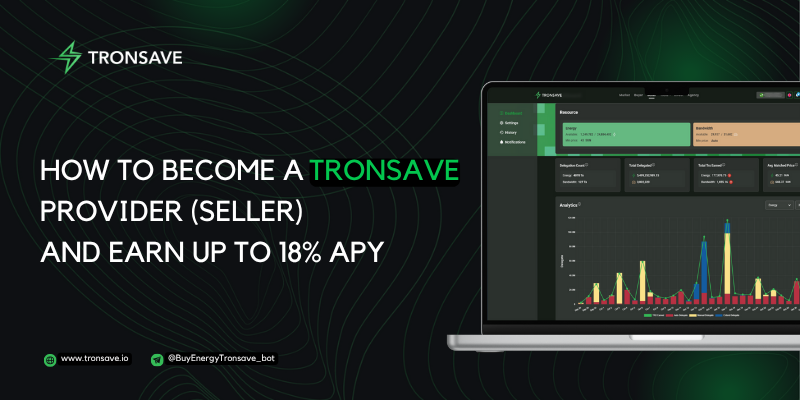
How to Become a TronSave Provider (Seller) and Earn Up to 18% APY
How to sell TRON energy and bandwidth on TronSave Earn: stake TRX, grant a delegate-only permission, set Auto Sell. Real seller APYs (Nov 2026) and risks.
-
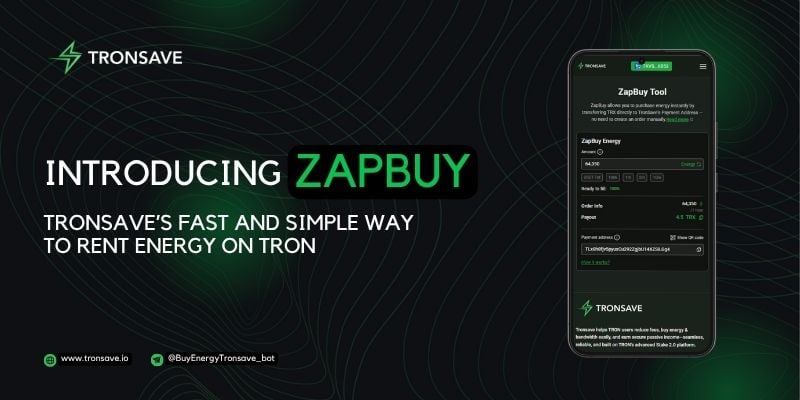
Introducing ZapBuy: Tronsave’s Fast and Simple Way to Rent Energy on TRON
Rent TRON energy by sending ~4.4 TRX to ZapBuy: 65,000 energy for 1 hour, one USDT transfer for ~33% less than burning (Nov 2026). Steps, costs, fixes.
-
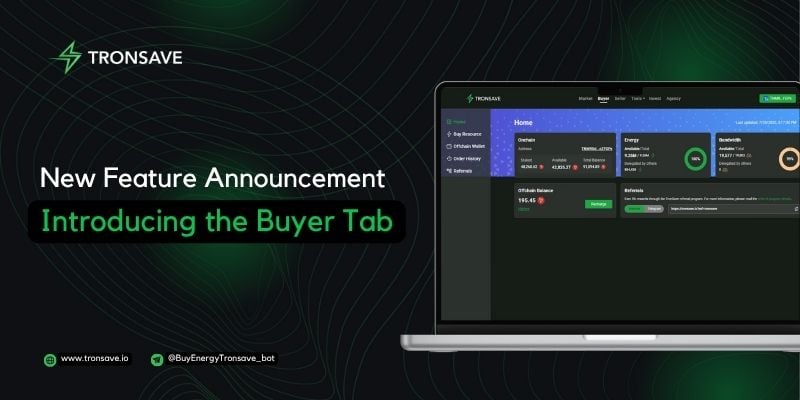
New Feature Announcement: Introducing the Buyer Tab on Tronsave
The Buyer Tab on Tronsave centralizes your wallet, manual and auto energy buying, order history, and referrals. See how it works in this 2026 guide.
-

How to Buy Energy and Bandwidth on Telegram with Tronsave
Rent TRON energy on Telegram: start the TronSave bot, deposit 10 TRX, order 65,000 energy per USDT send. Steps, costs (Nov 2026), fixes and FAQ.
-

How to Buy Energy and Bandwidth on the Tronsave Website
How to buy TRON energy and bandwidth on TronSave: normal vs pending orders, minimums, and live prices — 4.32 TRX per USDT transfer on Oct 28, 2026.