
To rent bandwidth on TRON means paying a small TRX fee to borrow bandwidth points instead of freezing or burning your own TRX. Bandwidth covers a transaction’s byte size and is cheap; for USDT (TRC-20) transfers, the larger cost is energy, which you can rent the same way.
Key takeaways
- Bandwidth vs. energy: Bandwidth pays for a transaction’s data size (cheap). Energy powers smart contracts like USDT transfers (the real cost driver).
- Every TRON account receives 600 free bandwidth points daily, usually enough for one or two simple transfers.
- You can rent bandwidth on TRON for a fraction of a TRX, or rent energy to cut USDT transfer fees noticeably.
- Renting, freezing (staking), and burning TRX each have honest trade-offs — renting wins on flexibility, staking on long-term cost.
- All figures below are approximate and change with network parameters; verify against TronScan before relying on them.
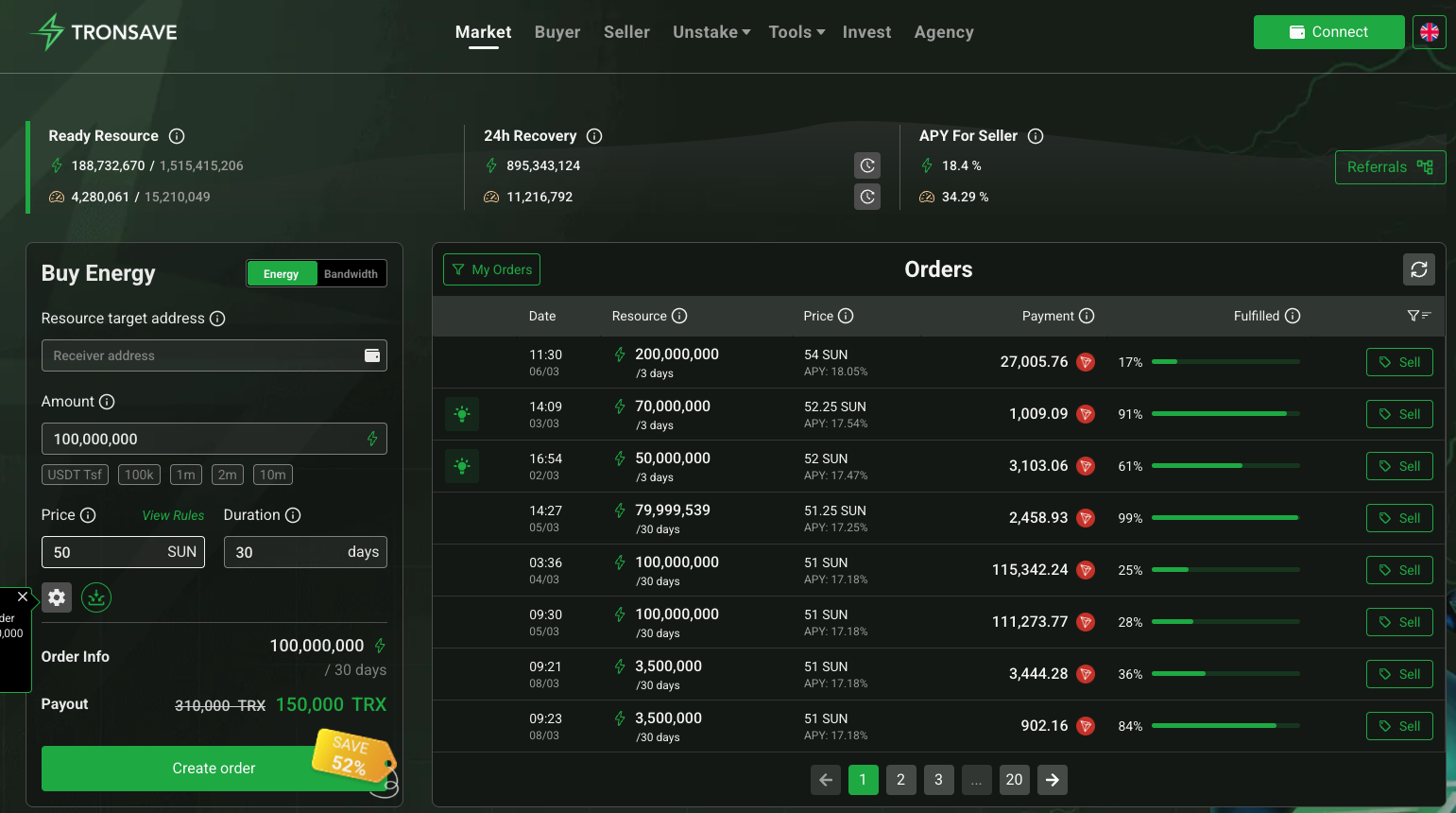
Have spare resources? You can sell your surplus TRON energy and bandwidth for APY on TronSave Earn.
What is bandwidth on TRON and why does it matter?
Bandwidth on TRON is the resource consumed by the byte size of a transaction. A simple TRX transfer is roughly 250–300 bytes, so it spends about 250–300 bandwidth points. Because the network grants 600 free bandwidth points per account each day, casual users often pay nothing for basic transfers.
Problems appear when you exceed the free quota or send many transactions. When bandwidth runs out, TRON burns TRX from your wallet to cover the byte cost — small per transfer (roughly 0.001 TRX per byte, around 0.3 TRX for a transfer), but it adds up at scale. The mechanics are documented in the official TRON developer resource model.
Bandwidth vs. energy: what actually drives your fees?
This is the most misunderstood part of TRON fees. The two resources are not interchangeable:
- Bandwidth — paid for transaction size. Cheap. A plain TRX transfer mostly uses bandwidth.
- Energy — paid for smart-contract execution. A TRC-20 (USDT) transfer needs roughly 31,895 to 64,895 energy units depending on whether the recipient already holds USDT.
So if your main activity is sending USDT, energy — not bandwidth — is where most of your fee goes. Renting energy can reduce a USDT transfer cost from roughly 13.4 TRX (paid by burning) down to a lower rented price (figures vary by demand; as of 2026, verify against a primary source). You can rent bandwidth on TRON and rent energy from the same platforms, which is why the two topics are usually discussed together.
How do you rent bandwidth on TRON step by step?
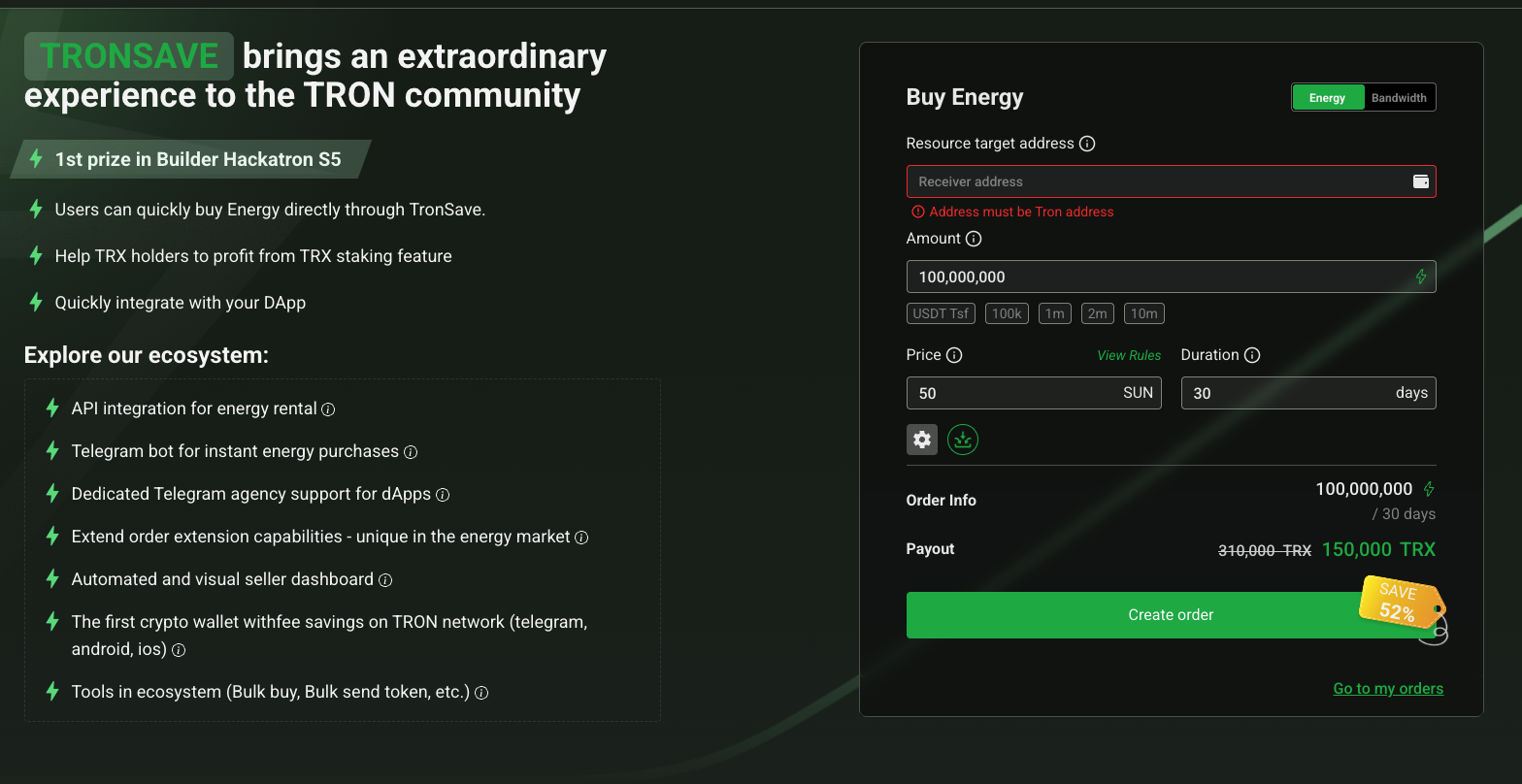
Renting is fast and does not lock up your funds. Using a wallet like TronLink:
- Open your TRON wallet — launch TronLink or imToken.
- Open a rental platform — visit a resource marketplace such as TronSave or another energy/bandwidth provider through the DApp browser.
- Select the resource and duration — choose the amount of bandwidth (or energy) and a rental window from one hour to several days.
- Pay with TRX — confirm the transaction; the resource is delegated to your address, usually within a minute.
After renting, check your address on TronScan to confirm the delegated resource and to compare the fee paid before and after renting.
| Rental option | Approx. cost (TRX) | Typical duration | Best for |
| Short bandwidth top-up | ~0.1–1 TRX | 1 hour to 1 day | Occasional transfers past the free quota |
| Daily resource bundle | ~1–3 TRX | 1 to 7 days | Regular TRX/TRC-20 activity |
| Energy rental (USDT) | Varies by demand | 1 hour to 30 days | Frequent USDT senders |
Costs are approximate and demand-driven; as of 2026, verify live prices against a primary source before budgeting.
Should you rent, freeze (stake), or burn TRX?
There is no single best answer — it depends on how often you transact and whether you want to lock up capital.
Renting resources
- Pros: Instant, no locked funds, pay only for what you use, ideal for short bursts.
- Cons: Recurring action; for constant heavy use the cumulative cost can exceed staking.
Freezing / staking TRX
- Pros: No per-transaction fee once staked; suits long-term, high-volume users; you keep ownership of the TRX.
- Cons: Capital is illiquid, and Stake 2.0 imposes an unstaking wait (commonly cited as 14 days; confirm current parameters on tron.network).
Burning TRX
- Pros: Zero setup — the network just deducts the fee.
- Cons: The most expensive route for frequent transfers, since you pay full market rate every time.
For a deeper breakdown of both resources, see our TRON energy and bandwidth guide.
Tips to optimize your TRON resource usage
- Use free bandwidth first — the daily 600 points cover small transfers at no cost.
- Match the rental to the job — short windows for one-off sends, longer bundles only if you transact daily.
- Rent energy for USDT — bandwidth alone won’t lower TRC-20 fees; energy is the lever there.
- Compare providers and staking — check renting against the cost of freezing TRX over the period you plan to be active.
- Verify on-chain — confirm delegated resources and fees on TronScan rather than trusting headline figures.
For a platform walkthrough, our guide on how to buy energy and bandwidth shows the rental flow in detail.
Frequently asked questions (FAQ)
What is TRON bandwidth?
TRON bandwidth measures a transaction’s byte size. A roughly 300-byte transfer spends about 300 bandwidth points, and each account gets 600 free points daily. Renting covers larger or more frequent transfers.
How much does it cost to rent bandwidth on TRON?
Bandwidth itself is inexpensive — often a fraction of a TRX for a short top-up. Prices are demand-driven, so check a live source such as TronScan for current rates (as of 2026; verify against a primary source).
Why is my USDT transfer still expensive after renting bandwidth?
Because USDT transfers are mostly an energy cost, not a bandwidth cost. To lower USDT fees you need to rent (or stake for) energy rather than only bandwidth.
Can I rent bandwidth without a TRON wallet?
No. You need a TRON-compatible wallet such as TronLink or imToken so the resource can be delegated to your address.
Is renting better than freezing TRX?
Renting is better for short-term or occasional use and keeps your funds liquid. Freezing (staking) is usually cheaper for sustained, high-volume activity but locks your TRX and has an unstaking wait.
Where can I verify TRON fees and resource costs?
Use TronScan for live transactions and resource data, and the TRON developer docs for how bandwidth and energy are calculated.
Conclusion
Choosing to rent bandwidth on TRON is a flexible, low-commitment way to keep transactions moving without freezing or burning large amounts of TRX. Just remember the key distinction: bandwidth covers transaction size, while energy drives the cost of USDT and other TRC-20 transfers. Weigh renting against staking based on how often you transact, and verify current figures on TronScan before you commit.
⚠️ Not financial advice. This article is for educational and informational purposes only and reflects the author’s opinion at the time of writing. It is not investment, financial, legal, or tax advice. Cryptocurrency is highly volatile and you can lose your entire principal; prices, APYs, and on-chain fees change constantly and may be out of date. Always do your own research (DYOR) and consult a licensed financial advisor before buying, selling, staking, or lending any digital asset.
Disclosure: This is the official TronSave blog. TronSave sells TRON energy/resource (fee-reduction) services and has a commercial interest in the products and topics covered here.



