
A Tron multi signature wallet is a TRON account that requires two or more private keys to approve a transaction instead of one. By splitting signing power across several keys, it protects TRX, TRC10, and TRC20 tokens from a single point of failure, theft, or accidental loss.
Key takeaways
- A multisig account needs a set number of approvals (for example 2-of-3) before funds move.
- TRON enforces this on-chain through Owner, Witness, and Active permissions tied to weights and a threshold.
- Multisig suits teams, DAOs, treasuries, and anyone holding high-value assets, but adds setup complexity.
- Wallets such as TronLink, TokenPocket, Ownbit, and SafePal support TRON multisig.
- Permission changes cost a small TRX fee; always verify the current amount on official TRON docs before acting.
- Most losses come from phishing and key-sharing, not the technology itself.
What is a Tron multi signature wallet?
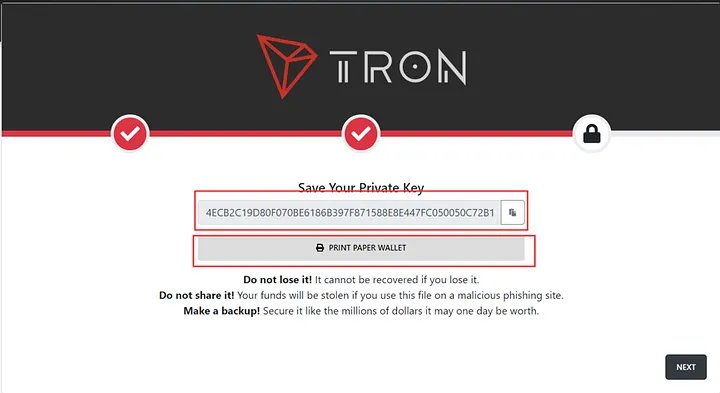
A Tron multi signature wallet requires multiple private keys to authorize a transaction, unlike a single-signature wallet that relies on one key. On the TRON blockchain this is handled by the account permission system rather than a separate smart contract: each account has an Owner permission and one or more Active permissions, each with a list of keys, individual weights, and a threshold that must be met.
For example, a 2-of-3 setup assigns three keys a weight of 1 each and sets the threshold to 2, so any two signers can approve a transfer. This consensus model secures TRX, TRC10, and TRC20 tokens and is well suited to shared accounts or large holdings.
Multisig raises security by requiring agreement among signers, reducing the risk of theft if one key is exposed.
Why use a TRON multisig wallet?
Multisig offers stronger security and more flexible control than a single key. It fits users managing larger TRX or TRC token balances who want collaborative approval and resilient recovery. The benefits below compare directly with single-signature wallets.
Enhanced security through multiple approvals
Because more than one signature is required, a stolen or leaked key is not enough to drain funds. A 2-of-3 setup still holds even if one key is compromised, which matters when securing TRC20 holdings or large TRX balances.
Collaborative asset management
Teams and organizations gain shared control. A Decentralized Autonomous Organization (DAO) might use a 3-of-5 threshold for its treasury so funds only move with majority approval, improving transparency and accountability.
Flexible recovery options
If one key is lost, the account stays usable as long as the threshold is still reachable. In a 2-of-3 wallet, losing one key leaves two working signers, unlike a single-signature wallet where one lost key can mean permanent loss. For cold-storage alternatives, see our guide to top TRON hardware wallets for secure TRX storage.
| Feature | Multisig Wallet | Single-Signature Wallet |
| Security | High (multiple keys required) | Moderate (single key) |
| Use case | Teams, DAOs, high-value assets | Individual use |
| Recovery | Flexible (threshold-based) | Risky (key loss = asset loss) |
| Complexity | Moderate (setup and management) | Simple (one key) |
How do you set up a Tron multi signature wallet?
Setup is handled through the account permission tools in wallets like TronLink, TokenPocket, or Ownbit, and you can verify the result on TronScan. The TRON permission model and fees are documented at developers.tron.network. Follow these steps.
Choose a compatible wallet
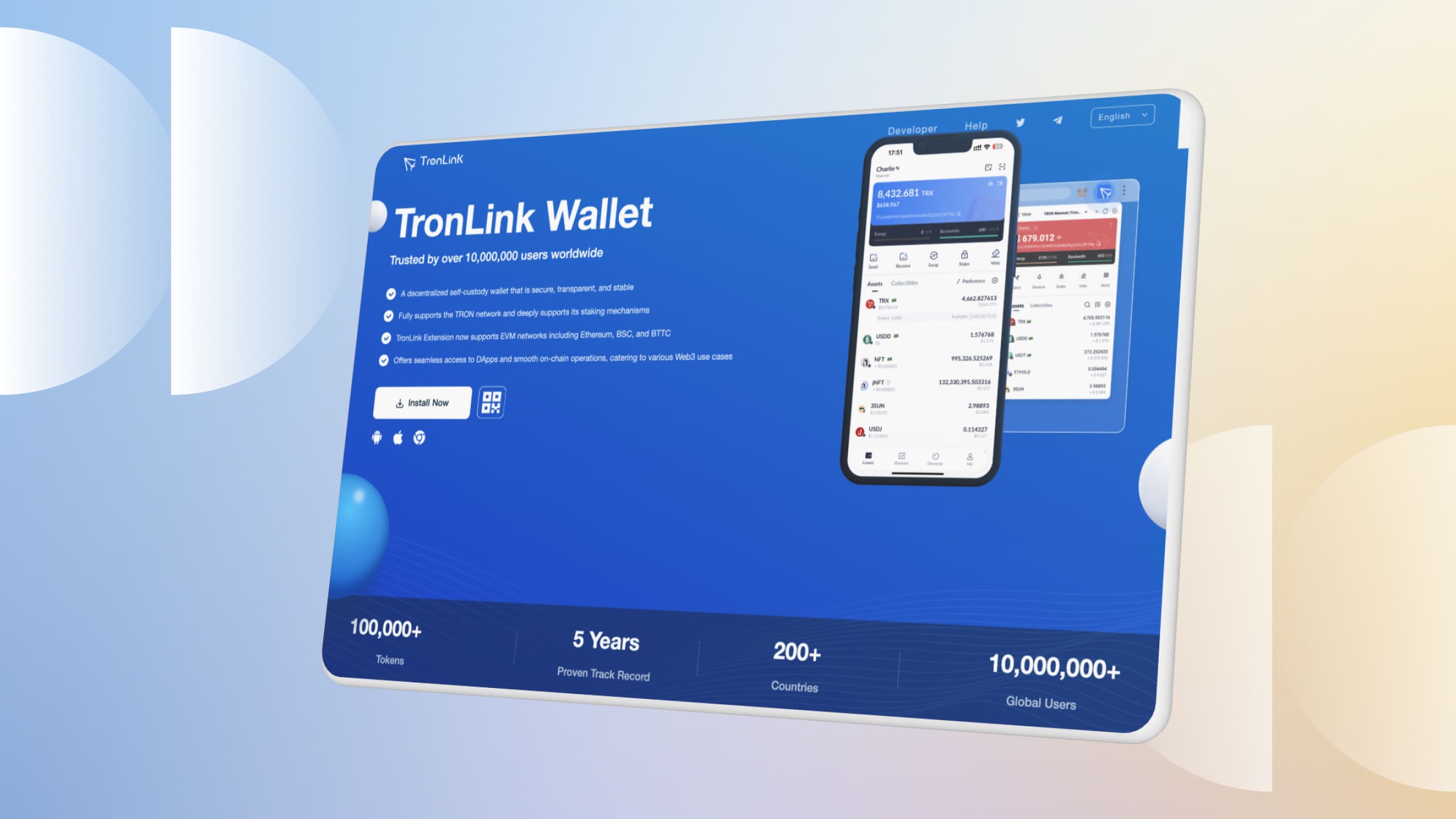
Pick a wallet that supports TRON multisig and permission management, such as TokenPocket, TronLink, Ownbit, or SafePal. Download only from official sources to avoid cloned apps.
Configure permissions and thresholds
Open the wallet’s permission management section. Add each signer’s address, assign a weight (default 1), and set the threshold (for example 2 for a 2-of-3 wallet). Addresses can usually be added by QR code or manual entry.
Save and confirm settings
Review the configuration and confirm the permission update, which requires a small TRX fee (commonly cited as approximately 100 TRX; verify the current amount against official TRON docs, as of 2026). Renting network resources through staking or services like TRON energy can offset transaction costs. Once submitted, the change is recorded on-chain.
Test and verify the wallet
Send a small test transaction so each required signer approves with their key. Then open the account on TronScan and check the Owner and Active permission entries to confirm every address and weight is correct before moving real value.
What are the common TRON multisig wallet scams?
Most multisig losses are social-engineering attacks, not protocol failures. Knowing the patterns helps protect your TRX and TRC assets.
- Private key and seed-phrase traps: scammers hand out a “loaded” key and ask you to send TRX for fees; the account is secretly multisig and you can never withdraw. Never import keys from untrusted sources.
- Phishing permission changes: a malicious site tricks you into approving a permission edit that adds the attacker as a signer. Avoid unknown links and review permissions on TronScan regularly.
- Fake support: impostors posing as wallet support ask for your private key to “fix” an issue, then alter permissions. Real support never needs your key or seed phrase.
| Scam type | How it works | Prevention tip |
| Seed-phrase trap | Pre-loaded keys lock users into a multisig account | Only use keys you generated yourself |
| Phishing links | Links alter wallet permissions | Avoid unknown links; verify on TronScan |
| Fake support | Scammers request private keys | Never share keys or seed phrases |
For more on wallet-level risks, read whether the TronLink wallet is safe.
FAQs about Tron multi signature wallets
What is the difference between single-signature and multisig wallets?
A single-signature wallet needs one private key to send funds; a multisig wallet needs several keys to meet a threshold, giving TRX and TRC tokens stronger protection.
How can I check if my wallet is multisig?
Look up the account on TronScan and view its Owner and Active permissions. If more than one address is listed with a threshold above one, it is multisig.
Can I disable a multisig setup?
Yes. You can revert to single-signature by editing permissions in your wallet, but the change must still satisfy the current threshold and costs a TRX fee.
Are multisig wallets safe from scams?
The design is secure, but users remain exposed to phishing and social engineering. Protect every key and verify links and sources independently.
Which wallets support TRON multisig?
TokenPocket, TronLink, Ownbit, and SafePal all support TRON multisig with TRC10 and TRC20 tokens.
How much does a TRON permission change cost?
It requires a small TRX fee, commonly cited as roughly 100 TRX (as of 2026; verify against official TRON docs, as fees can change).
Practical recap and checklist
A TRON multisig wallet adds a durable layer of protection for TRX and TRC tokens by replacing one point of failure with shared, threshold-based approval. Before you rely on one, run through this checklist.
Already running one and wondering how it handles day-to-day operations? See buying TRON energy from a multisig wallet — multisig covers the payment rather than the receiving wallet, and there is one hardware-wallet limitation worth knowing before you rely on it.
- Download your wallet from an official source only.
- Choose a threshold (such as 2-of-3) that matches your team and risk.
- Confirm the current permission fee on official TRON docs before submitting.
- Verify Owner and Active permissions on TronScan after setup.
- Run a small test transaction with every signer.
- Never share keys or seed phrases, and review permissions periodically.
⚠️ Not financial advice. This article is for educational and informational purposes only and reflects the author’s opinion at the time of writing. It is not investment, financial, legal, or tax advice. Cryptocurrency is highly volatile and you can lose your entire principal; prices, APYs, and on-chain fees change constantly and may be out of date. Always do your own research (DYOR) and consult a licensed financial advisor before buying, selling, staking, or lending any digital asset.
Disclosure: This is the official TronSave blog. TronSave sells TRON energy/resource (fee-reduction) services and has a commercial interest in the products and topics covered here.



