
The fastest way to buy TRON energy in Rust is the official TronSave crate: add tronsave = "2", build a client, then estimate, order, and poll. Four awaited calls, a typed error you can actually match on, and retries and rate limiting already handled. This guide covers the whole integration — install, defaults, the documented error codes, and how the order gets paid.
Why Rust services care about energy
Rust shows up in exactly the places that move stablecoins at volume: exchange backends, payment processors, custody services, high-throughput bots. All of them hit the same arithmetic on TRON — every USDT (TRC-20) transfer consumes energy, and energy you do not hold is paid for by burning TRX at protocol rates. That turns a few cents of cost into several dollars per transfer.
Renting the energy just before a payout run costs a fraction of burning it, and doing it in code means the service tops itself up instead of paging someone. If you want the endpoint-level view first, read our API automation guide; this is the same flow with Rust types and async.
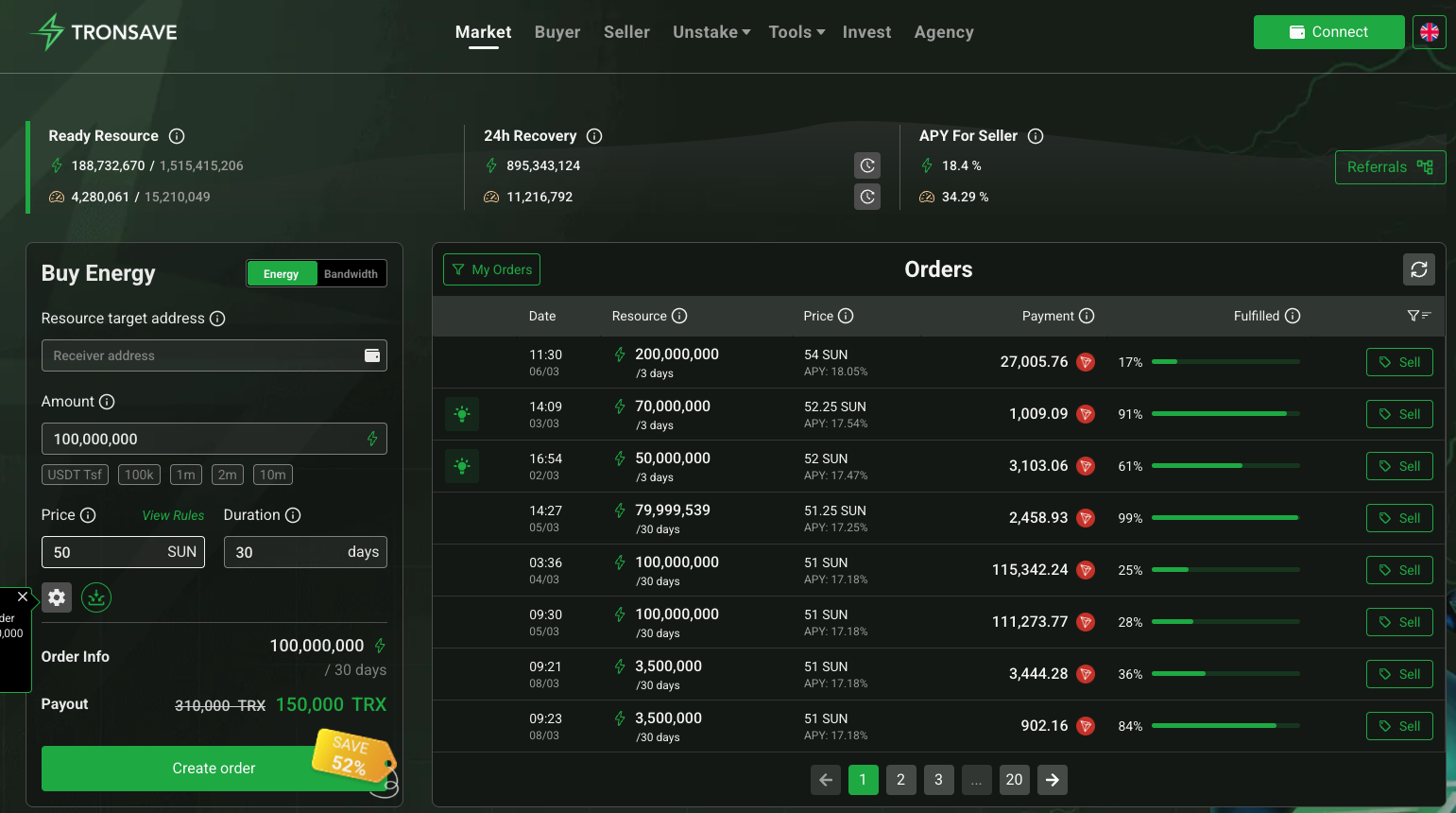
What is the TronSave Rust SDK?
It is the official async Rust client for the TronSave v2 API, published to crates.io as tronsave (version 2.0.0, MIT licensed, edition 2021, MSRV 1.75). The generated API reference lives on docs.rs. It is one of five official clients — TypeScript, Python, Java, PHP, and Rust — all wrapping the same endpoints and held to a shared cross-language conformance suite, so behaviour does not drift between them.
The crate is deliberately thin:
- Async on
tokio, built onreqwestandserde. Every call is anasync fnreturningtronsave::Result<T>. - rustls, not OpenSSL.
reqwestis pulled in withdefault-features = falseand therustls-tlsfeature — so there is no system OpenSSL to link, which is what you want in a musl, Alpine, or distroless container. - Typed DTOs.
UserInfo,EstimateBuyResource,Order,Delegate,OrderBookLevelare plainserdestructs with camelCase mapping done for you. - Small dependency tree.
reqwest,serde,serde_json,thiserror,fastrand, andtokio(only thetimeandsyncfeatures).
Install
[dependencies]
tronsave = "2"
tokio = { version = "1", features = ["full"] }
Then set TRONSAVE_API_KEY in your environment. Network::Testnet points the client at the Nile test API, where nothing costs real TRX; Network::Mainnet goes live. Both resolve their own base URL through Network::base_url(), so no hostname is ever hardcoded in your config.
The same enum exposes fund_address(), the deposit address for the signed-transaction flow. Reading it from the enum instead of pasting a string into your config is the safer habit — a deposit address copied out of a chat message or a search result is a well-worn way to lose a top-up.
Buying energy, end to end
use tronsave::{TronsaveClient, Network, models::BuyParams};

#[tokio::main]
async fn main() -> tronsave::Result<()> {
    let sdk = TronsaveClient::new(
        std::env::var("TRONSAVE_API_KEY").ok(),
        Network::Mainnet,
    )?;

    // 1. Who am I, and can I afford this run?
    let me = sdk.get_user_info().await?;
    println!("balance: {} SUN", me.balance);

    // 2. What will it cost? (no API key needed for this call)
    let est = sdk.estimate_buy_resource(BuyParams {
        receiver: "TFwUFWr3QV376677Z8VWXxGUAMFSrq1MbM".into(),
        resource_amount: 65_000,          // ENERGY must be > 64_000
        duration_sec: Some(3600),
        ..Default::default()
    }).await?;
    println!("estimate: {} SUN", est.estimate_trx);

    // 3. Place the order.
    let order = sdk.buy_resource(BuyParams {
        receiver: "TFwUFWr3QV376677Z8VWXxGUAMFSrq1MbM".into(),
        resource_amount: 65_000,
        duration_sec: Some(3600),
        ..Default::default()
    }).await?;

    // 4. Poll until the energy is actually delegated.
    let status = sdk.get_order(&order.order_id).await?;
    println!("{}% filled, {} left", status.fulfilled_percent, status.remain_amount);
    for d in &status.delegates {
        println!("  {} sent {} (tx {})", d.delegator, d.amount, d.txid);
    }
    Ok(())
}
Three things in there are worth calling out.
..Default::default() is the whole ergonomics story. BuyParams has nine fields but only two are required; the rest are Options that are skipped entirely during serialization when unset. You name what you mean and the defaults fill in the rest.
estimate_buy_resource is unauthenticated. You can price an order before you hold a key, and a pricing call in a hot path never spends your auth budget.
The order is not finished when buy_resource returns. It returns an order_id; delegation lands a few seconds later. Poll get_order until fulfilled_percent reaches 100 before you broadcast the transfer that needs the energy — and check it, because a partial fill may not cover you.
The defaults and limits worth knowing
| Behaviour | Value |
|---|---|
| Default resource type | ENERGY |
| Default price tier | MEDIUM (also FAST, SLOW, or a raw SUN price) |
| Default duration | 259_200 seconds — 3 days |
| Minimum energy order | Must be greater than 64,000 |
| Client-side rate limit | 15 requests/second; 1/second for get_extendable_delegates |
| Default timeout / retries | 30,000 ms / 3 retries |
extend_to format |
Unix timestamp in seconds |
| Default page size | 10 |
The 64,000 minimum is checked before the request leaves your process, so a bad loop cannot spend its rate limit rediscovering the same rejection. The rate limiter is a per-endpoint token bucket that paces your own calls rather than waiting to be told off with a 429. And when a retry is warranted, the backoff is exponential with full jitter — 300 ms doubling per attempt, capped at 10 seconds, then randomised across that whole window. That last part matters more than it sounds: without jitter, a fleet of workers that all hit a 429 at the same moment retries in lockstep and stampedes the endpoint again.
Retries fire on 408, 425, 429, 500, 502, 503 and 504, and honour a Retry-After header when the server sends one.
One error type, six kinds
Rust does not do exception hierarchies, so the SDK does not pretend otherwise. Every call returns tronsave::Result<T>, and the single Error struct carries a kind, a documented code, the HTTP status, retry_after_ms, and the raw body for debugging. You match on it:
use tronsave::ErrorKind;

match sdk.buy_resource(params).await {
    Ok(order) => tracing::info!(order_id = %order.order_id, "energy ordered"),

    Err(e) if e.kind == ErrorKind::RateLimit => {
        let wait = e.retry_after_ms.unwrap_or(1_000);
        tokio::time::sleep(std::time::Duration::from_millis(wait)).await;
    }

    Err(e) if e.kind == ErrorKind::Business => match e.code.as_str() {
        "INTERNAL_BALANCE_ACCOUNT_TOO_LOW" => top_up_and_alert().await,
        "PRICE_EXCEED_MAX_PRICE_REQUIRED" => skip_until_price_falls(),
        "CANNOT_FULFILLED" => queue_for_retry(),
        _ => tracing::warn!(code = %e.code, "order rejected"),
    },

    Err(e) => tracing::error!(code = %e.code, kind = ?e.kind, status = ?e.status, "buy failed"),
}
The kind tells you the class of problem. The code tells you what actually happened — and unlike a free-text message, it is a documented, stable value shared across all five SDKs:
| Kind | Codes | What it means for your code |
|---|---|---|
Auth |
API_KEY_REQUIRED, INVALID_API_KEY |
Fix the key. Never retry. |
Validation |
MISSING_PARAMS, INVALID_PARAMS, MIN_PRICE_INVALID |
Fix the call. Never retry. |
Business |
INTERNAL_ACCOUNT_NOT_FOUND, INTERNAL_BALANCE_ACCOUNT_TOO_LOW, CANNOT_FULFILLED, MUST_BE_WAIT_PREVIOUS_ORDER_FILLED, PRICE_EXCEED_MAX_PRICE_REQUIRED, SOME_DELEGATE_CANNOT_EXTEND |
The request was valid but refused. Branch on the code. |
RateLimit |
RATE_LIMIT |
Wait retry_after_ms. |
Network |
NETWORK_ERROR |
Transport failure. Safe to retry. |
Unknown |
UNKNOWN |
Unrecognised response. Log raw. |
Those business codes are the ones worth wiring real behaviour to. INTERNAL_BALANCE_ACCOUNT_TOO_LOW means top up. PRICE_EXCEED_MAX_PRICE_REQUIRED means the market moved past the ceiling you set and you should wait rather than raise it blindly. MUST_BE_WAIT_PREVIOUS_ORDER_FILLED means you are pipelining orders faster than they settle.
How the order gets paid
The client picks the payment path from what you pass:
- Prepaid balance (recommended for servers). Leave
signed_txasNoneand the order authenticates with your API key and settles against your TronSave balance. Your TRON private key never enters the service. - On-chain per order. Provide a
signed_txyou built and signed yourself, and that transaction pays for the order.
There is also a get_signed_transaction() helper that signs server-side. Its own doc comment tells you to prefer local signing, and you should listen — that call sends a private key over the wire. For a backend service, the prepaid path is both simpler and safer.
Extending instead of re-buying
When a delegation you already hold is close to expiring, extending it beats buying a fresh order. Call get_extendable_delegates with a receiver and an extend_to Unix timestamp; it returns is_able_to_extend, total_estimate_trx, and an extend_data payload you pass straight to extend_request. Mind the 1-per-second limit on that first call — it is the one endpoint the SDK paces harder than the rest. Our guide to the Extend feature covers when extending is the better move.
FAQ
What Rust version do I need?
1.75 or later — that is the crate’s declared MSRV, on edition 2021.
Does it force a particular async runtime?
It depends on tokio for timers and synchronisation, so tokio is the supported runtime. Only the time and sync features are pulled in as real dependencies; the full feature in the install snippet is just for your own #[tokio::main].
Will it drag OpenSSL into my build?
No. reqwest is configured with default-features = false and rustls-tls, so TLS is pure Rust. That is what makes it painless on musl and in distroless images.
Can I test without spending real TRX?
Yes — construct the client with Network::Testnet for the Nile test network on a separate API host. Change the one enum value to go live.
How much energy should I buy for a USDT transfer?
Roughly 65,000 if the recipient already holds USDT, about 130,000 if they never have — see how much energy a USDT transfer needs. Since the minimum is greater than 64,000, 65,000 is the smallest practical energy order.
Is the Rust client behind the others?
No. All five SDKs target v2 at the same version and share a conformance suite. If you work across languages, the TypeScript guide and the PHP guide describe the same flow.
Bottom line
If your Rust service moves USDT on TRON, energy is a running cost you can cut by most of its value, and the crate makes that a four-call integration rather than a project. Add the dependency, price the order without a key, buy against your prepaid balance so no private key touches the service, match on ErrorKind for the cases that need real handling, and poll to 100% before you send.
Start integrating: add tronsave = "2", grab a key from the TronSave dashboard, and price your first order against the live energy market.
The TronSave SDK is published by TronSave, the publisher of this blog. Versions, defaults, and limits described here reflect crate 2.0.0 and can change in later releases — check crates.io and docs.rs before pinning. This is not financial advice.



